Organisational units
Organisational units can help to map the organisational chart of your institution in OSIRIS and link employees directly to departments. You can find the organisational units in the menu on the left under People → Units.
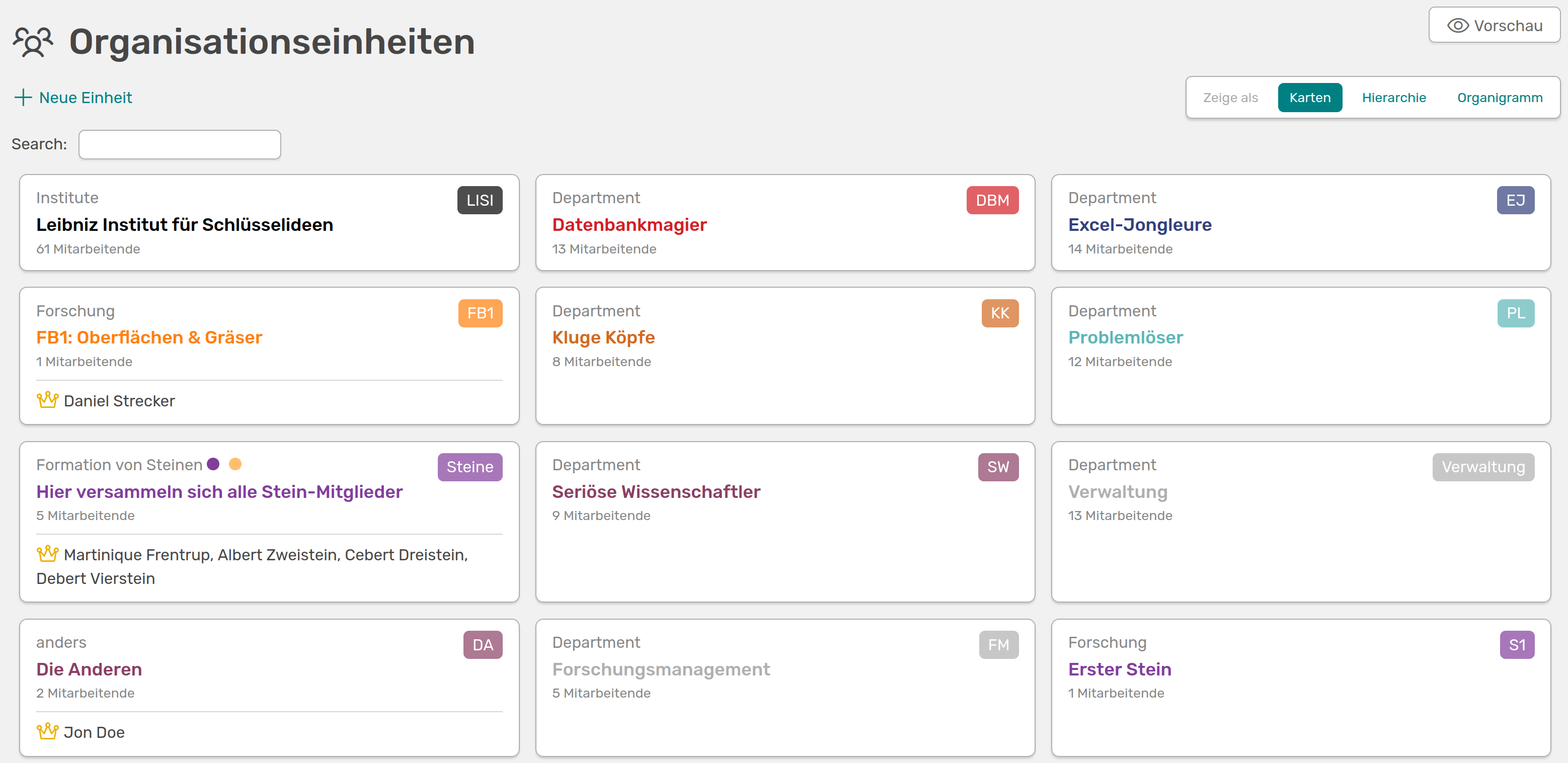
Organisational units in OSIRIS, displayed as cards
On this page you can see all the units and sub-units created, the type of group, the number of members and the persons responsible. You can customise the display of the units at the top right.
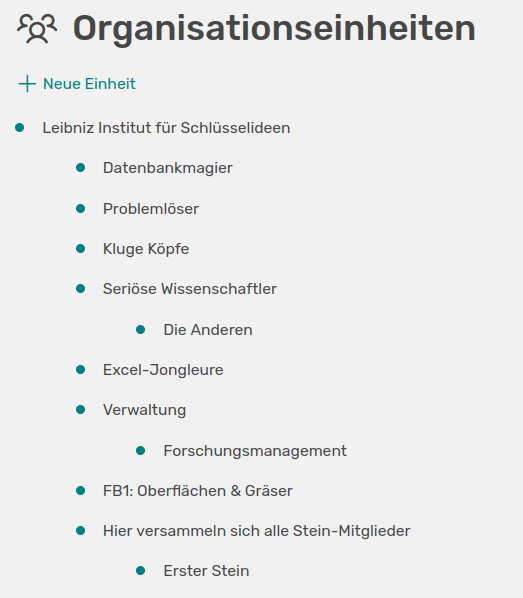
The hierarchy view lists all units and the associated sub-units
In the hierarchy view, the subordinate groups are indicated by the corresponding indentation.

The organisation chart view offers you an interactive interface to view the units and sub-units
In the organisation chart view, you can display the associated sub-units by clicking on a unit. You can also choose at the top left whether you prefer a left-aligned view or an arrangement from top to bottom.