Search applications and projects
You can use various filters on both the applications page and the project page to search through entries. Filter options such as project type, funding body, research areas or organisational units are available on the right-hand side of the page. However, there is also a specific filter for applications and projects.
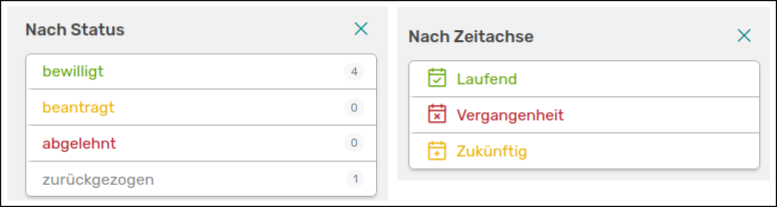
On the left you see the filter option for applications, on the right for projects
You can filter applications separately by status, projects by timeline. There is also an extra filter for sub-projects.
For projects, you can also use the advanced search, which is similar in principle to the advanced activity search.

The advanced search page for projects
On the right you can save the searches you have created so that you can use them again. The MongoDB command of your search is displayed below the search field if you want to use it for other applications, such as report templates in OSIRIS.