Drafts
OSIRIS offers you the option of saving drafts for your entries. When you add a new activity, there is now a Save as draft button next to the Save button on the form.
If the button is not displayed, please contact your administrator. They can activate the function.
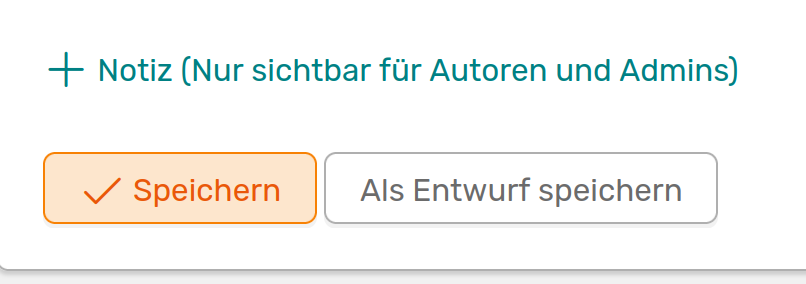
Button at the end of a form to save drafts
If you save an activity as a draft, your co-authors will not be informed. You can therefore still make changes here at your leisure. Only when you save the draft as an activity will your co-authors be notified.
You can find all your drafts at the top left of the Add activity page.

You will find a button for your existing drafts at the top left of the add activity page
If you click on the button, all your drafts will be displayed.

Display all your drafts
Here you can either display your drafts or switch directly to the editor to complete your entry.