Standard roles
There are five predefined roles in OSIRIS that are assigned certain rights when the programme is installed. These can be customised as required. The roles and their default rights are described below.
User
Every person logging in automatically has the rights of a user. However, these are limited to uploading their own user picture. Activities can still be created. Rights that are set for users are automatically released for all roles.
Scientist
The Scientist role is the only role that can be claimed by a registering person. This role adds the buttons My year and My activities to the start page. As a scientist, the central task is to document all relevant activities via OSIRIS and enter them accordingly.
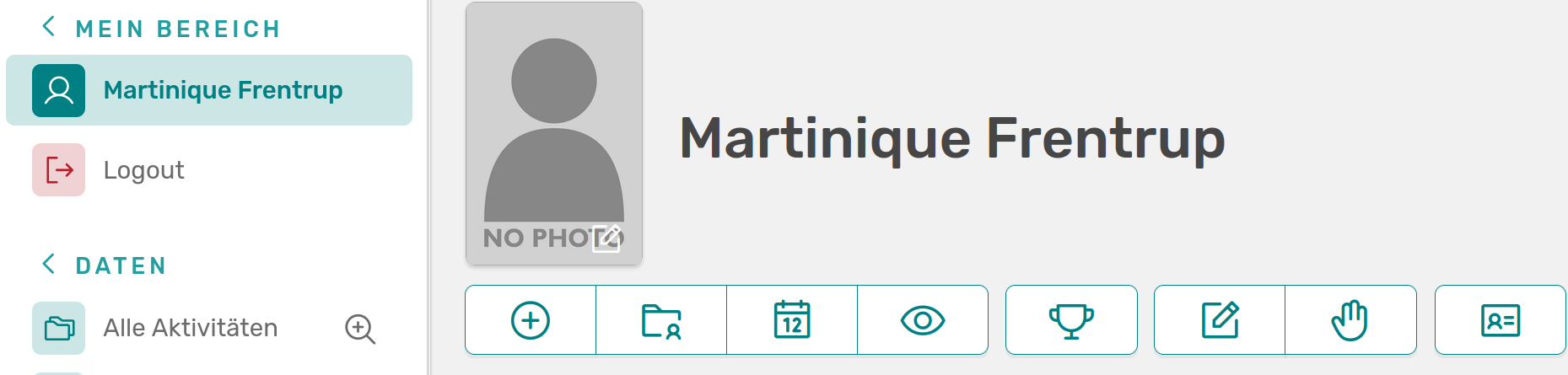
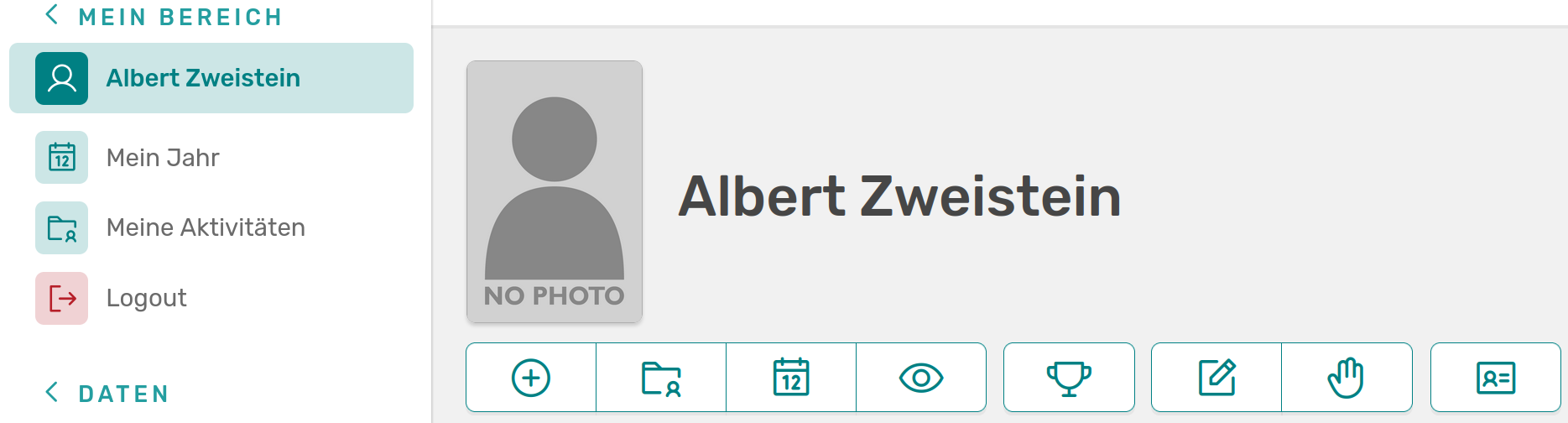
Home page of a user and a scientist with the extra buttons "My year" and "My activities"
As a scientist, the user is asked to check and approve their own activities at the end of each quarter. Scientists also have the right to add events and guests. They can create, edit and delete their own projects.
PA (Personnel department)
Employees in the HR department can use OSIRIS primarily to manage the college. They have the rights to edit user profiles, upload user images, assign user roles (except admin) and deactivate users or create new ones. Guests can be registered, edited and viewed and research areas* can be created, edited and deleted. The HR department also has the right to create and edit organisational units.
Editor
The role of editor is usually taken on by employees from Controlling and is intended to facilitate an overview of all activities in the institute. An editor has all available rights for activities (can even view the raw data here) and metrics and reports, but again none to create or edit user profiles. The start page of an editor is extended by a panel for the quarterly overview, in which the approvals of the scientists can be seen at a glance.
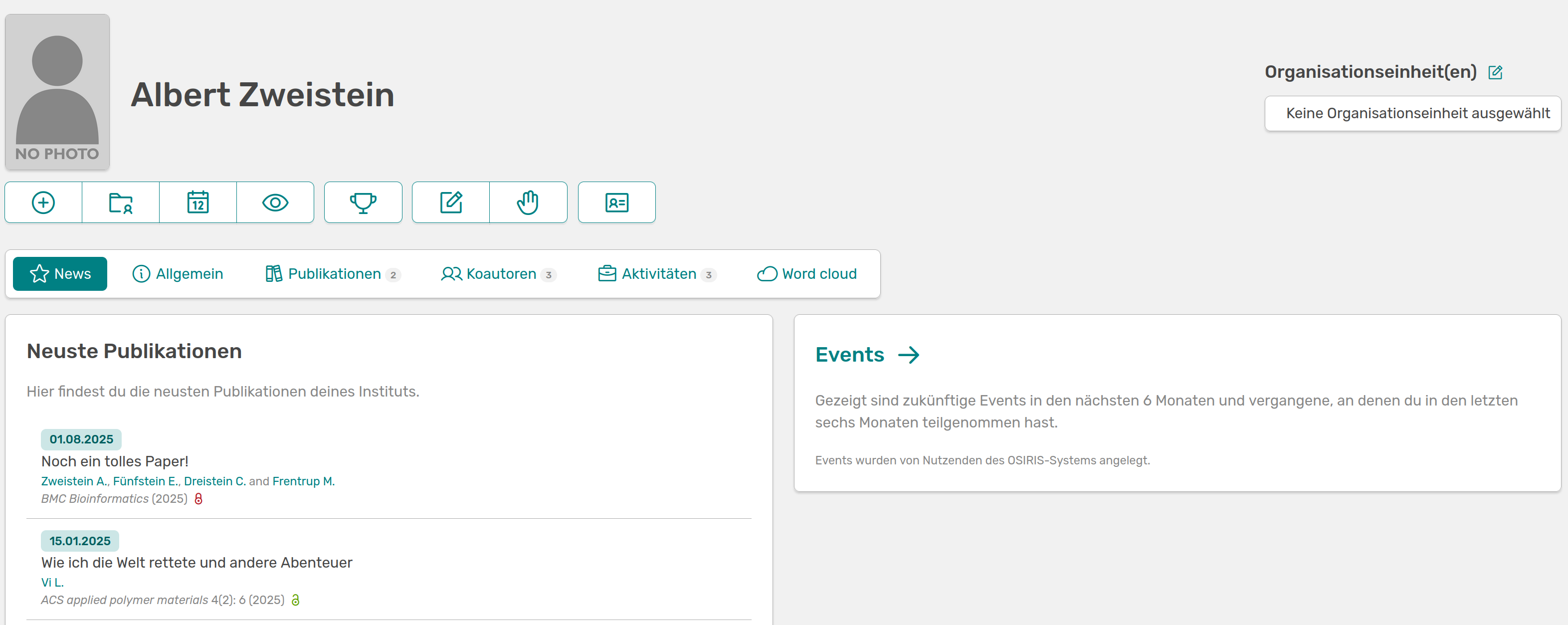
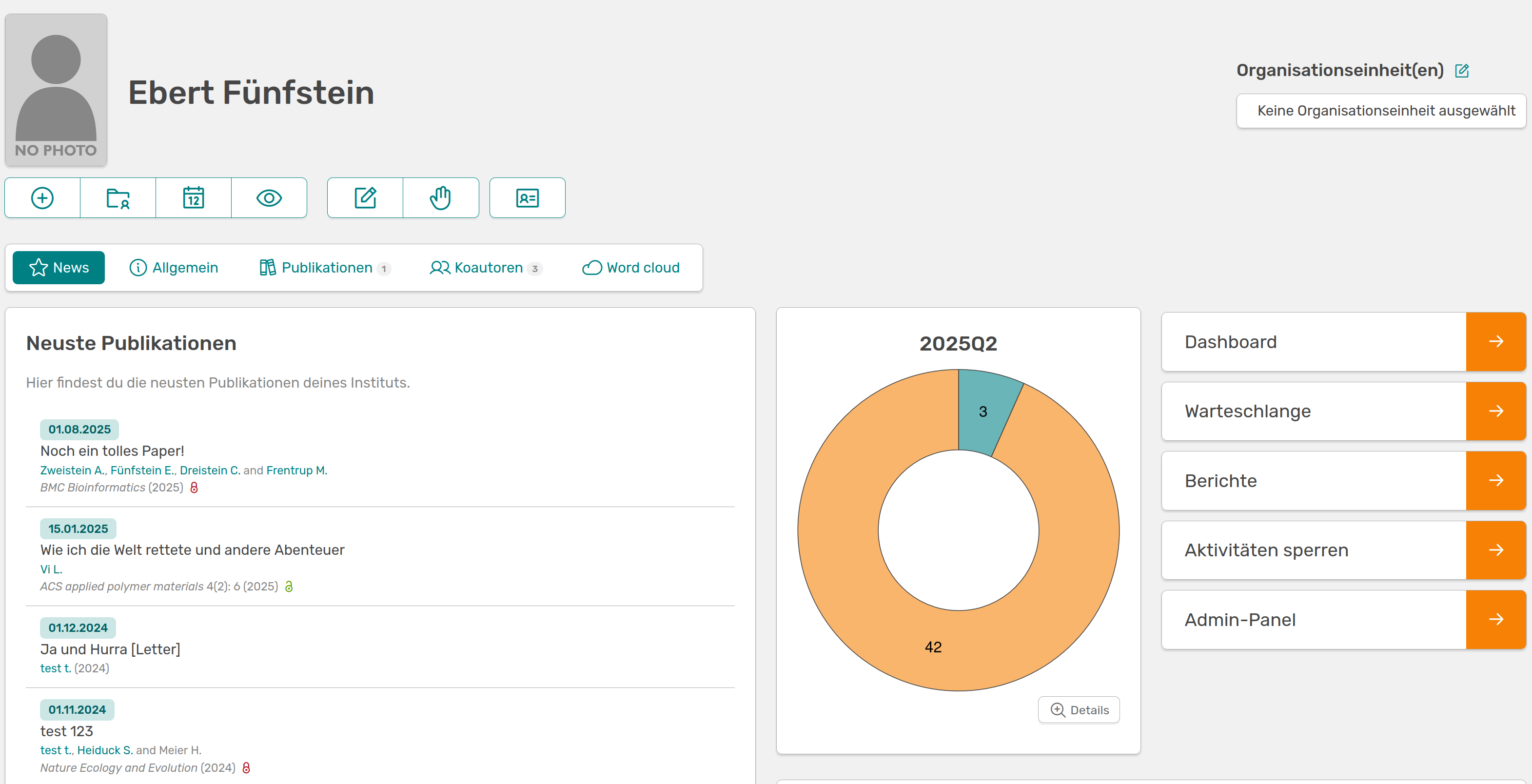
Start page of a scientist and the extended view of an editor with the quarterly overview
Admin
The role of admin should be assumed by the person/persons at the institute who will mainly administer OSIRIS. By default, an admin has all rights except for editing user settings, which is not assigned to any role. An admin panel is added to the left-hand side, allowing many other settings to be edited, including roles and rights.