Design settings
With update 1.8.0, OSIRIS gives you the ability to customize the appearance even more precisely to match your corporate identity.
Colors
Under Colors, you can choose a primary and a secondary color that match your institute. The primary color is used for the main elements, and the secondary color is used for highlighted elements of the website.
Typography
With this feature, you can define custom fonts for both headings and regular body text.
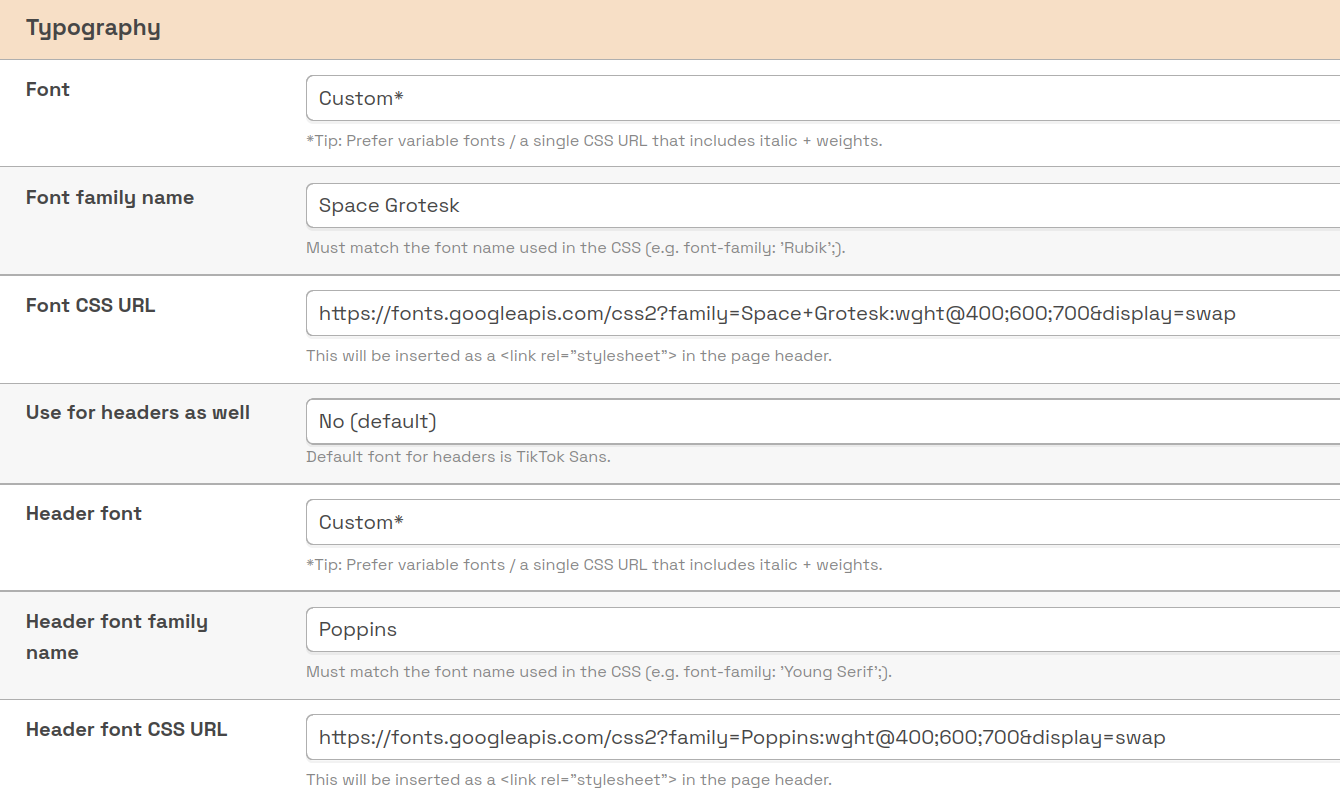
Here you can define different fonts by entering a CSS URL and the corresponding font-family name.
In the Font dropdown menu, you will also find a small selection of predefined fonts.
Display of elements
Here, you can customize various elements within OSIRIS.

Boxes in OSIRIS without a border, with a normal border, and with a thick border.
Boxes can be customized in terms of border thickness, border color, and corner radius. You can also add a shadow behind the box.
Links can be highlighted with an underline, and tables can be displayed with striped rows.

You can also customize the icons — original style, filled, or two-tone.
In addition to icons, you can customize the header and display the OSIRIS logo in different colors.
Using the Navbar Height option, you can adjust the height of the top navigation bar that contains the logos. If “No Navbar” is selected, the logos will be moved to the footer.